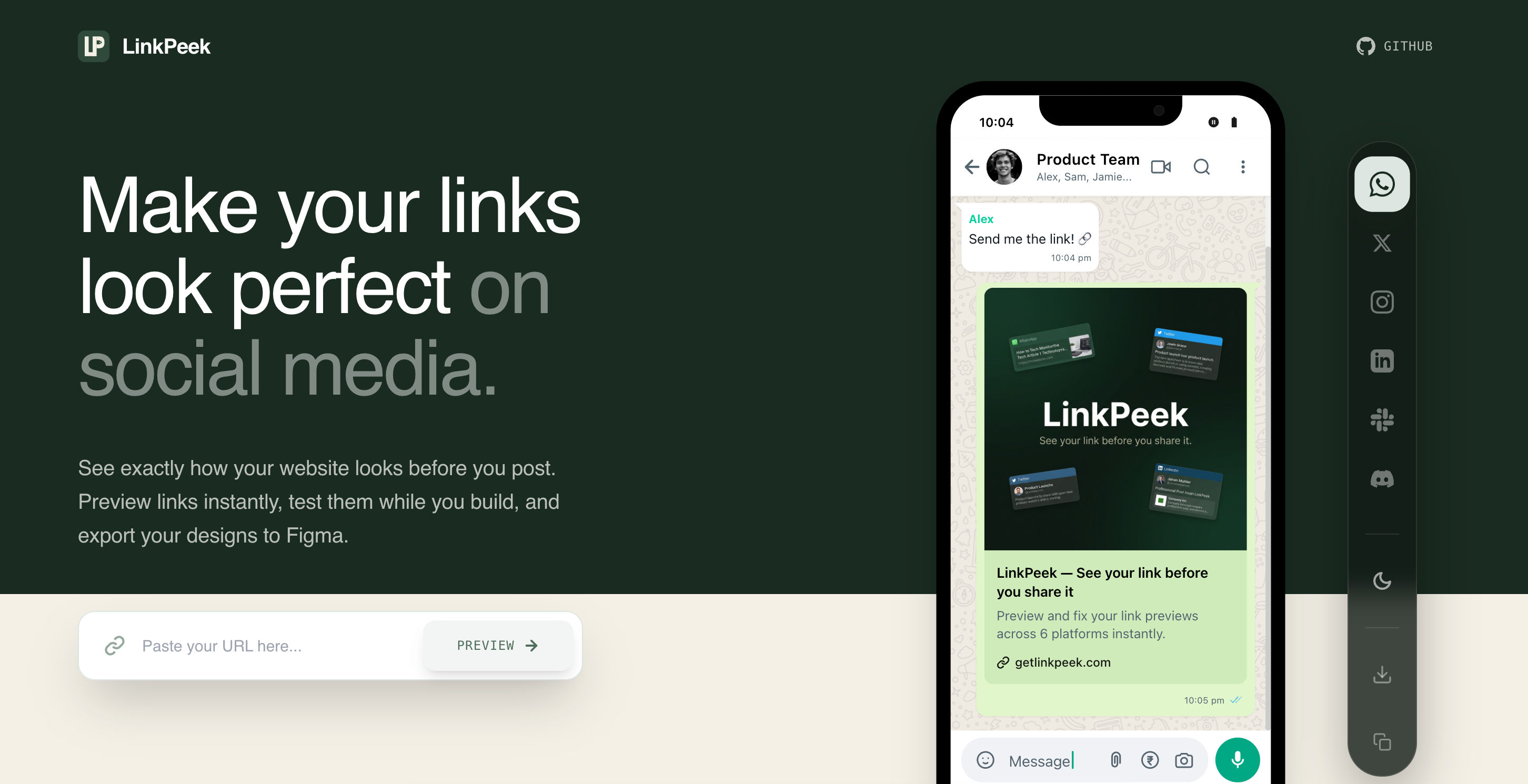
Ever shared a link only to see a mangled image, a truncated title, or a completely blank preview? It's a common frustration, and it happens because social platforms rely on specific metadata to generate those rich link previews. Understanding how they parse this information is crucial for ensuring your content always makes a perfect first impression. This deep dive will equip you with the knowledge to master your social link previews.
Key Takeaways
- Social platforms primarily use the Open Graph protocol and Twitter Cards to generate rich link previews, dictating the title, description, and image displayed.
- Dedicated crawlers fetch, parse, and then cache your page's metadata, which can lead to outdated previews if not explicitly refreshed using platform-specific debugging tools.
- Each platform has unique parsing rules, image aspect ratio preferences, and text length limits, requiring platform-specific optimization and debugging to ensure consistent, flawless previews.
Table of Contents
- Key Takeaways
- What Are the Core Metadata Standards Social Platforms Use?
- How Do Platforms Actually Fetch, Parse, and Cache Your Metadata?
- Why Does My Link Preview Look Different on Facebook vs. X?
- How Can I Find and Fix Common Metadata Errors?
- What Are the Best Practices for Advanced Metadata Implementation?
- Frequently Asked Questions
- Stop Guessing, Start Previewing
What Are the Core Metadata Standards Social Platforms Use?
The Open Graph protocol is the foundational standard for social previews, providing a universal language for your content (The Open Graph Protocol). Key tags like og:title, og:description, og:url, and og:type define your content's identity. The og:image tag is especially critical, as social posts with high-quality images can receive 2.3x more engagement than those without (BuzzSumo, 2022). For an exhaustive look, explore The Ultimate Guide to Open Graph Tags.
Social posts with high-quality images receive 2.3x more engagement than those without.
X (formerly Twitter) builds on this with its own standard, Twitter Cards. These tags, such as twitter:card, twitter:site, and twitter:creator, allow you to specify different card types and attribute content to specific accounts. This provides a more tailored experience for the X platform, as detailed in their developer documentation.
Crucially, these systems work in a clear hierarchy. If you provide Twitter Card tags, the X crawler will use them. If they are absent, it gracefully falls back to your Open Graph tags, ensuring a preview is always generated. As a final fallback, some platforms may look for Schema.org markup, which is primarily used to provide context for search engines like Google (Google Search Central).
How Do Platforms Actually Fetch, Parse, and Cache Your Metadata?
Now that we understand the foundational standards, let's dive into the technical process of how social platforms actually interact with your website to retrieve this crucial metadata. When a URL is shared, social platforms dispatch a crawler to fetch your page’s HTML. This bot scans the code for Open Graph and Twitter Card tags, uses them to generate a link preview, and then caches that preview. This caching is why metadata changes aren't always reflected instantly on the platform.
The process begins the moment a user pastes a link. This action triggers a request to the platform's dedicated crawler, a bot designed specifically to gather social metadata. You can identify these bots in your server logs by their user-agent strings, such as facebookexternalhit for Facebook or Twitterbot for X. The crawler visits your URL and downloads the page's raw HTML, focusing almost exclusively on the content within the <head> section.
Pro Tip: You can identify social media crawlers in your server's access logs by looking for their unique user-agent strings, like
facebookexternalhitorTwitterbot. This is useful for debugging if a platform is failing to fetch your page at all.
Once the HTML is fetched, the parsing begins. The crawler systematically scans the code for og: and twitter: meta tags, extracting the values for your title, description, image, and other properties. This extracted data is then sent back to the platform's server, which uses it to assemble the visual link preview that users will see. If these tags are missing or improperly formatted, the crawler may fail to generate a preview at all.
After generating the preview, the platform stores it in a cache. Social platforms employ sophisticated caching mechanisms for metadata to ensure a fast user experience, serving the stored preview for all subsequent shares of that same URL. This is why updates to your og:image don't appear immediately; the platform is serving the old version from its cache. To see changes right away, you must use a platform-specific tool, like the Facebook Sharing Debugger, to force a re-scrape. Be mindful of fetch limits and timeouts, as a slow-loading site can cause the crawler to give up, resulting in common link preview mistakes.
Why Does My Link Preview Look Different on Facebook vs. X?
Understanding this general process is key, but it's equally important to recognize that not all platforms behave identically. Even with perfect metadata, you might notice your link previews appearing differently across various social networks. Link previews vary because each social platform uses its own unique parser and crawler with different rules. Facebook, X, and LinkedIn have distinct requirements for image aspect ratios, text lengths, and even which metadata tags they prioritize. This leads to inconsistent appearances if you don't optimize for each platform's specific rendering engine.
The differences start with their crawlers. Facebook uses facebookexternalhit, X uses Twitterbot, LinkedIn uses LinkedInBot, and Discord uses Discordbot. While they all primarily look for Open Graph tags, their interpretation varies. For example, Facebook and LinkedIn strongly prefer an og:image with a 1.91:1 aspect ratio, while X is more flexible. Similarly, character limits for titles and descriptions are truncated differently, meaning a description that looks perfect on LinkedIn might get cut off on X (LinkedIn Developer Documentation).
These visual inconsistencies have a major impact. According to BuzzSumo, social posts with high-quality images receive 2.3x more engagement, so a broken or poorly cropped og:image on one platform is a significant missed opportunity. While most platforms support og:video for richer previews, implementation details and autoplay behaviors can differ, requiring platform-specific testing to ensure a good user experience.
Finally, a common technical issue is when a platform fails to generate a preview at all. This often happens because a server’s firewall or robots.txt file is configured to block unknown bots. To ensure your metadata is always accessible, you must explicitly allow each platform's user-agent string. Blocking these crawlers is one of the most common link preview mistakes, but it's easily avoidable by properly configuring your server permissions.
How Can I Find and Fix Common Metadata Errors?
These platform-specific nuances can lead to frustrating inconsistencies. Fortunately, every major social platform provides tools to help you diagnose and fix these common metadata errors. To fix common metadata errors, use official platform tools like Facebook’s Sharing Debugger or the X Card Validator. Paste your URL to see how the platform's crawler interprets your tags, identify specific errors like a missing og:image, and then use the 'refetch' option to clear the outdated cache and apply your fixes.
An estimated 30% of websites have at least one critical Open Graph error.
With an estimated 30% of websites having at least one critical Open Graph error, debugging is a necessary skill. Common pitfalls include outdated cached previews, a missing or incorrect og:image, and image URLs that lead to a 404 error. Other subtle issues, like client-side rendering hiding metadata from crawlers or server redirects, can also break your link previews completely.
Every major platform provides a free tool to diagnose these issues. The essential debugging toolkit includes the Facebook Sharing Debugger, the X Card Validator, and LinkedIn's Post Inspector. These tools simulate how each platform’s crawler fetches and parses your page’s metadata. They provide a detailed report on what they find—and what they don't.
Pro Tip: After updating your metadata, always use the platform's official debugging tool to trigger a "refetch" or "scrape again." This forces the platform to clear its old, cached version and pull in your new changes immediately.
The debugging process is straightforward. First, paste your URL into the chosen tool and analyze the results for warnings or errors. Once you've fixed the issue in your site's code, return to the tool and click the 'Scrape Again' or 'Refetch' button. This action forces the platform to clear its cache and pull in your updated metadata, fixing many of the most common link preview mistakes.
What Are the Best Practices for Advanced Metadata Implementation?
Once you've mastered debugging the basics, you can elevate your link previews further with advanced implementation strategies, especially for dynamic content. For advanced metadata, use Server-Side Rendering (SSR) or dynamic rendering to serve tags to crawlers on Single-Page Applications. This ensures that dynamically generated content, like user profiles or product pages, has unique Open Graph tags for every specific URL, creating precise and relevant link previews every time.
Single-Page Applications (SPAs) built with frameworks like React or Vue often handle routing and content updates on the client side. This poses a challenge, as social media crawlers typically don't execute JavaScript and will only see a blank HTML shell. To solve this, you must implement Server-Side Rendering (SSR) or dynamic rendering, which pre-renders the page with complete metadata on the server before sending it to the crawler.
With over 50% of all websites using the Open Graph Protocol (W3Techs, 2023), getting it right for dynamic content is critical. For pages like user profiles or e-commerce products, you must generate unique og: tags for each specific URL. This involves populating the og:title, og:description, and og:image tags with data from your database corresponding to that unique item. You can learn more about these specific tags in our Ultimate Guide to Open Graph Tags.
To reach a global audience, use the og:locale tag to specify the content's language and region (e.g., en_US). You can also provide alternate language versions with the og:locale:alternate tag, allowing platforms to serve the most relevant preview to different users. Finally, always prioritize security by ensuring any user-generated content used in metadata is properly sanitized to prevent cross-site scripting (XSS) and other injection attacks.
Frequently Asked Questions
Why isn't my og:image updating?
Your new image likely isn't showing because social platforms use aggressive caching to improve performance, storing a copy of your metadata for hours or even days. To see your changes immediately, you must explicitly clear this cache using a platform's official debugging tool and trigger a new scrape.
What is the difference between Open Graph and Twitter Cards?
Think of Twitter Cards as an extension of the Open Graph Protocol. While X (formerly Twitter) will use standard og: tags as a fallback, it prioritizes its own twitter: tags (e.g., twitter:card, twitter:site) for more specific control over how content appears in feeds. For best results, implement both.
How important is the og:image tag really?
It’s absolutely critical for engagement. According to a BuzzSumo analysis, posts with high-quality images receive 2.3x more engagement than those without. A compelling og:image is your best tool for making a strong visual first impression and is a key factor in whether your link gets clicked.
Stop Guessing, Start Previewing
Stop juggling multiple debuggers. Use LinkPeek to instantly visualize and optimize your link previews across 6 major platforms in one place. Ensure every share makes a perfect first impression.
With an estimated 30% of websites having critical Open Graph errors, it's time to ensure your links are perfect before you share. Instead of guessing, you can see, edit, and perfect your link's appearance instantly. Start creating flawless link previews with LinkPeek today.
Ready to get started?